
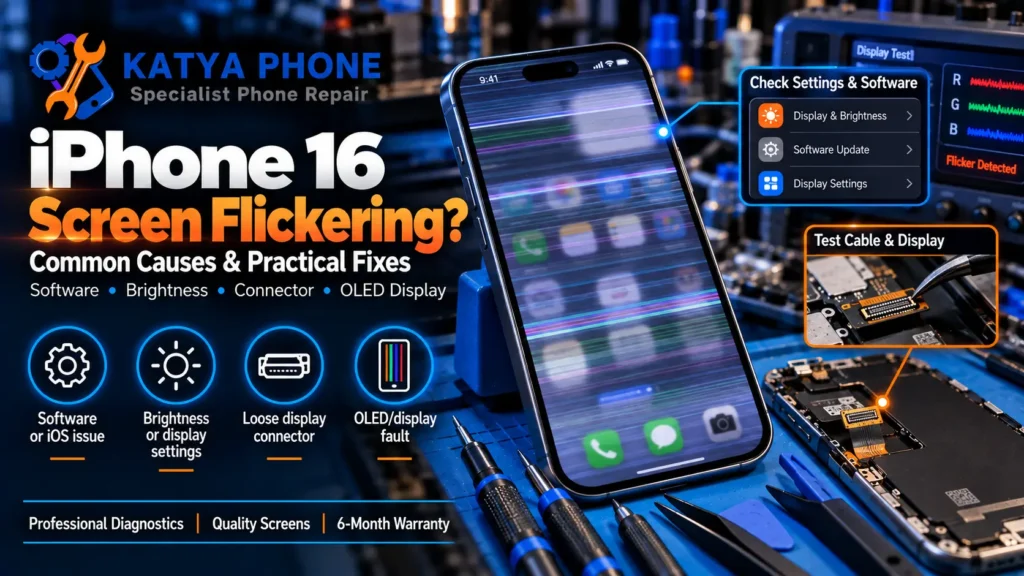
One second the screen looks normal, and the next it is pulsing, flashing, or showing faint stripes of colour. If that is happening on your iPhone 16 or iPhone 16 Plus, the good news is that many cases can be caused by software, display settings, or temporary iOS glitches — not a failing screen.
Note: this guide covers the standard iPhone 16 and iPhone 16 Plus. If you have an iPhone 16 Pro or Pro Max, the ProMotion display behaves a little differently — see our iPhone 16 Pro screen flickering guide instead.
What Causes iPhone 16 Screen Flickering?
The iPhone 16 and 16 Plus use a fixed 60Hz OLED panel (no ProMotion), so the usual causes are a little different from the Pro models:
- Automatic brightness or True Tone changes — changes in brightness or colour temperature can sometimes make pulsing or display instability more noticeable. Temporarily disabling these features can help isolate the cause.
- A recent iOS update or software glitch — display behaviour can occasionally change after an update, so installing the latest available iOS version is a sensible troubleshooting step.
- A misbehaving app — outdated or poorly optimised apps can cause the display to stutter or flash while they are open.
- Case, screen protector or accessory interference — remove the case and screen protector temporarily and make sure the display is clean and dry. Apple recommends these steps when troubleshooting intermittent screen problems.
- Physical or water damage — if the flickering started right after a drop or liquid exposure, or if the screen was previously replaced, the display connector or panel itself may be the cause.
Does the iPhone 16 OLED Screen Flicker at Low Brightness?
Sometimes, but it may not be a fault. Like most OLED displays, the iPhone 16 uses pulse-width modulation (PWM) to control brightness, and at very low brightness levels some people can perceive this as a faint flicker — this is normal OLED behaviour, not a defect. Apple’s newer Display Pulse Smoothing feature, which reduces this perceived flicker, is currently limited to the iPhone 17 and iPhone Air line-up and is not available on the iPhone 16. If turning the brightness up removes the flicker entirely, what you’re seeing is most likely this normal PWM effect rather than a fault. Flickering that persists at higher brightness, or that shows as lines or colour patches, is a different issue and worth investigating further.
Software Fixes to Try First (No Cost, No Appointment)
- Restart the phone. This alone clears a large share of temporary display glitches.
- Toggle Auto-Brightness off, then on. Settings > Accessibility > Display & Text Size > Auto-Brightness.
- Turn off True Tone temporarily. Settings > Display & Brightness > True Tone. If the flicker stops, True Tone was contributing.
- Update iOS. Settings > General > Software Update — Apple regularly patches display bugs introduced in earlier point releases.
- Remove the case and screen protector and check whether the flicker continues without them.
- Reset all settings (Settings > General > Transfer or Reset iPhone > Reset All Settings). This does not erase your data, only preferences.
If the flicker only happens in one specific app, the app itself is the more likely cause — check for a pending update in the App Store.
Software or Hardware? A Quick Self-Test
Flickering that comes and goes with brightness changes, specific apps, or after a settings tweak is more likely to be software-related. Flickering that is constant, appears as coloured patches or lines, continues on the Lock Screen no matter what you try, or started right after a drop or water exposure makes a hardware issue more likely — usually the display connector or the OLED panel itself.
Warranty and Insurance
Apple’s One-Year Limited Warranty covers eligible manufacturing defects, but Australian customers may also have additional rights under Australian Consumer Law beyond that one-year period. Accidental damage such as drops and liquid exposure is generally not covered by Apple’s Limited Warranty, although AppleCare+ may provide accidental-damage coverage subject to applicable service fees. If your iPhone 16 hasn’t been dropped or exposed to liquid, it’s worth checking your Apple warranty or AppleCare+ status before paying for an independent repair. Third-party phone insurance policies vary — check your policy’s fine print, as most cover accidental damage but not manufacturing faults.
We are an independent repair shop, not an Apple Authorised Service Provider. For hardware-related flickering outside Apple’s warranty, we offer a free check and a same-day screen replacement using genuine Apple parts where available or high-quality aftermarket display options, depending on your preference and budget, with a 180-day warranty on the work.
iPhone 16 Screen Replacement Pricing (Caroline Springs)
Prices below are indicative starting ranges in AUD, matched to our current iPhone 16 repair pricing. Aftermarket parts sit at the lower end; genuine Apple parts at the higher end. We provide a firm quote before starting any repair, with no hidden fees.
| Repair Type | Price Range (AUD) | Typical Turnaround |
| Screen Replacement | $149 – $599 | Same-day / while you wait |
Related Articles
- iPhone 16 Pro Screen Flickering: Causes & Repair Options
- OLED vs LCD iPhone Screen: Which Replacement Is Better?
- Phone Screen Problems: Cracks, Flickering, and Fixes
- iPhone 16 Repair Service in Caroline Springs
iPhone 16 Screen Repair Near You
We also repair iPhone 16 screens for customers travelling in from nearby suburbs, including:
iPhone 16 Screen Flickering – Frequently Asked Questions
What causes iPhone 16 screen flickering?
How can I stop iPhone 16 screen flickering without replacing the screen?
Do software updates fix iPhone 16 screen flickering?
How do I know if my iPhone 16 flickering is software or hardware?
Does Apple's warranty cover iPhone 16 screen flickering?
Does phone insurance cover screen flickering repairs?
How much does it cost to fix iPhone 16 screen flickering in Australia?
Is same-day repair available for iPhone 16 screen flickering?
Do you repair iPhone 16 screen flickering near Caroline Springs?
Most iPhone 16 screen flickering clears up with a restart, a settings toggle, or an iOS update — no repair needed. If yours keeps flickering after trying the steps above, or it started after a drop or water exposure, bring it in for a free check. We’ll tell you honestly whether it’s software or hardware before you pay for anything.
Katya Phone — Caroline Springs. Free checks, walk-ins welcome. Call 0451 041 090 or get a free quote.