
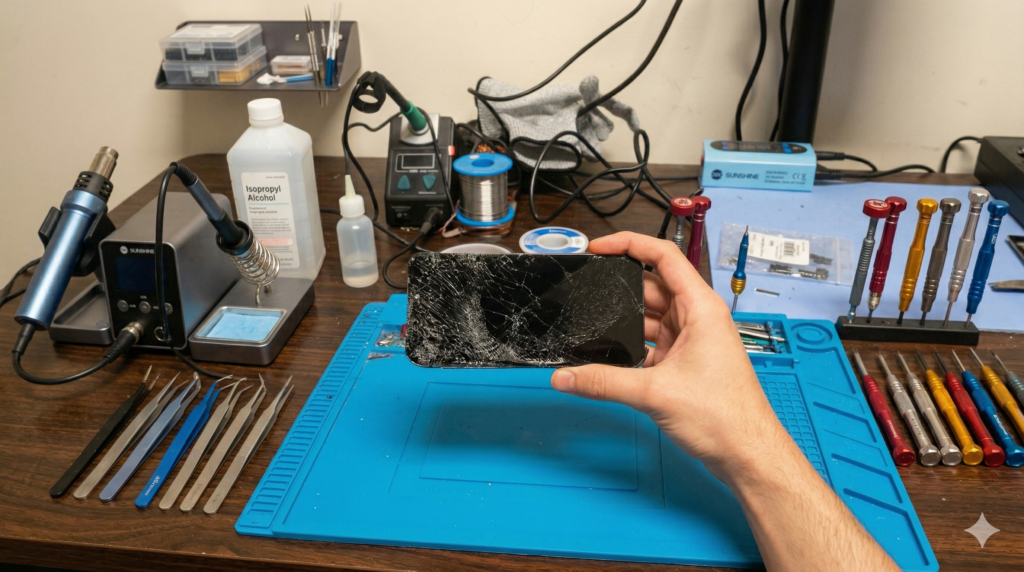
Start here: A damaged charger, liquid exposure, excess heat or cracked glass can turn into a bigger problem. These tips explain when to stop using the phone and have it checked.
Most phone problems don’t happen suddenly — they’re caused by everyday habits we don’t even notice. At Katya Phone, we see these issues daily. Avoid these 5 mistakes to save your tech and your money!
🔥 1. Using Cheap or Fake Chargers
A damaged or unsuitable charger can cause unreliable charging or overheating.
- Unreliable charging: The phone may charge slowly or intermittently.
- Overheating: The phone may temporarily reduce performance when it gets too hot.
- Charging components: A damaged or unsuitable accessory can harm the charging system.
✅ Expert Tip: Use a compatible charger and cable that meet the phone manufacturer’s recommendations.
💧 2. Exposing Your Phone to Water & Steam
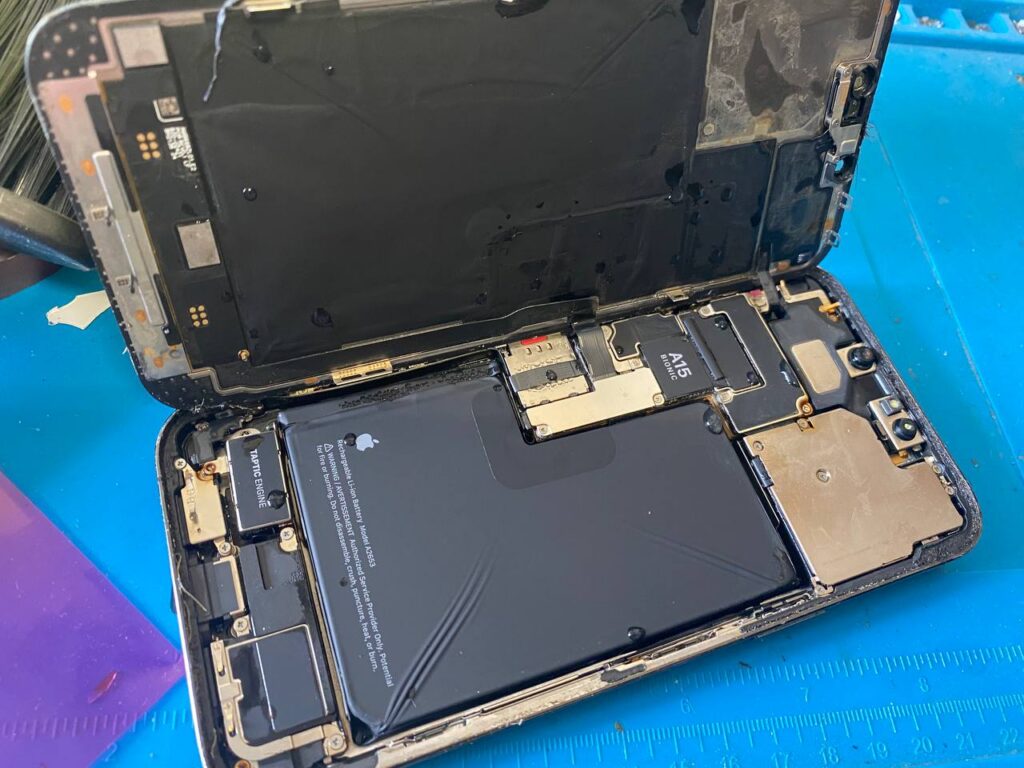
Water resistance can decline as seals age. Charging risk: A wet connector can corrode or be damaged. Disconnect the cable and follow your model’s drying guidance for a port-only alert.
✅ Expert Tip: If the phone was submerged or liquid may have got inside, switch it off if safe and leave it off and disconnected until it has been assessed. Keep rice and external heat away from the phone.
🔋 3. Bad Charging Habits
Bad habits lead to premature battery failure:
- Overnight charging: Use optimised charging if your phone offers it.
- Gaming while Charging: Gaming while charging can raise the phone’s temperature.
✅ Expert Tip: Use a charge limit or optimised charging if your phone supports it.
🔨 4. Ignoring “Small” Hairline Cracks
If the screen glass itself is cracked, stop using the phone and arrange an assessment. Cracks can cause injury and let in dust or moisture.
- Ghost Touching: The phone clicks things on its own.
- Total Blackout: The screen dies when you need it most.
✅ Expert Tip: Have the screen checked at our Caroline Springs shop.
🌡️ 5. Exposing Your Phone to High Heat
Melbourne summers are brutal for electronics.
- Battery Swelling: A lifting screen or back cover can indicate swelling. Stop using and charging the phone and contact a repairer before transporting it.
- High temperature: The phone may slow down to cool itself. If it gets unusually hot, stop using it and arrange a check.
📖 Related Articles:
- Smartphone Water Damage Repair in Caroline Springs.
- iPhone Repair in Deer Park.
- iPhone Repair Service in Deanside
🧐 Frequently Asked Questions (FAQ)
A: Whether a screen repair is worthwhile depends on the model, overall condition and quote. A check can help you compare repair with replacement.
Most routine repairs take around 30 minutes when the right part is in stock and no additional fault is found. We confirm the estimate after checking the model and fault.
A: A liquid-damaged phone may be repairable. Keep it switched off and disconnected until it has been assessed. The repair options depend on what the assessment finds.
A: Routine screen or battery replacement generally does not require erasing the phone. Data preservation depends on the device condition and the work required. Back up only if the phone is safe to use, or check an existing backup from another device.
A: Katya Phone repairs include a six-month repair warranty. It excludes water damage and later physical damage, including new cracks. The shop repair warranty also ends if another repairer opens the device after our repair.