
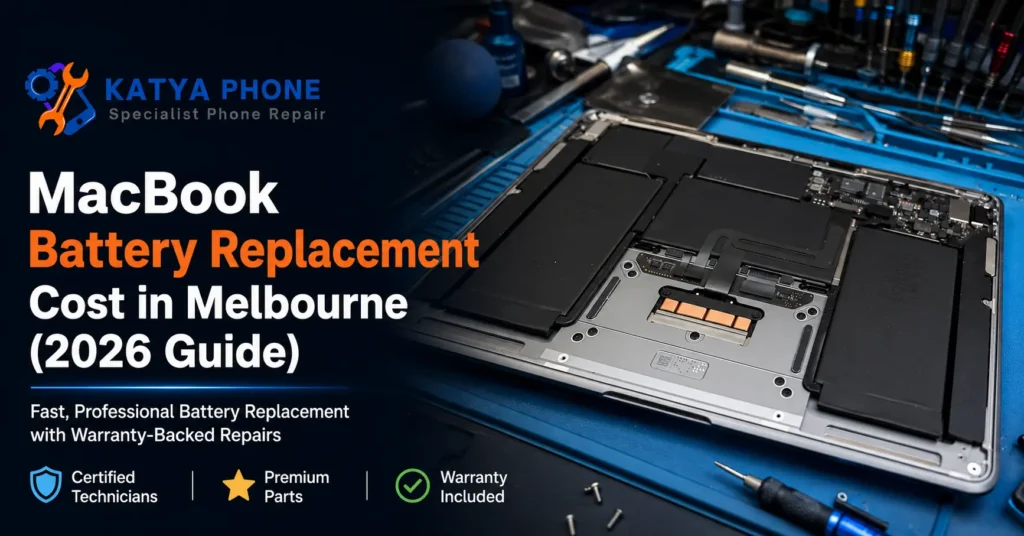
If your MacBook is dropping from 80% to 12% in twenty minutes, or macOS just flashed up "Service Recommended" under battery health, you're probably trying to work out one thing before anything else: what's this actually going to cost. Short answer — for most models we see at the bench in Caroline Springs, a MacBook battery replacement runs somewhere between $179 and $399, depending on whether it's an Air or a Pro, and which generation. This guide breaks that down properly, model by model, plus what actually pushes the price up or down and how to tell if it's really the battery at fault. By the end you'll know roughly what to expect before you even bring it in for a free check.
What Actually Causes a MacBook Battery to Fail?
Every MacBook battery is a lithium-ion pack rated for a set number of charge cycles — usually around 1,000 for most Apple Silicon and late-Intel models. Once you're past that, the chemistry inside starts breaking down, and it's not really fixable, just replaceable. A few things speed that up:
- Leaving the MacBook plugged in at 100% for long stretches (common with desk setups running an external monitor)
- Heat — a MacBook left in a hot car in Melbourne's west over summer, or run on a doona in bed, cooks the battery cells faster than normal use ever would
- High cycle counts from years of daily charge-and-drain, especially on machines used for video editing or heavy multitasking
- Age on its own — even a lightly used MacBook loses capacity over 4-5 years just sitting there
- Manufacturing variance — some batches simply degrade faster, which Apple has acknowledged with a couple of specific recall/extended-service programs over the years
- Physical swelling from age, which is its own safety issue, not just a performance one
In 15 years of doing this, the most surprising cause we still see is the desk-bound MacBook — the one that never leaves the house, sits plugged in 24/7 next to a monitor, and still needs a new battery by year three. Constant full-charge float wears a lithium battery down just as fast as heavy daily cycling does.
Signs You Do (or Don't) Need a Battery Replacement
Probably not the battery:
- Battery percentage reads normally and drains at a steady, predictable rate
- Slow performance but battery life is unchanged — that's more likely a storage or software issue
- One random shutdown that hasn't repeated — worth watching, not necessarily a battery fault yet
Probably time for a replacement:
- macOS shows "Service Recommended" under System Settings → Battery
- Sudden shutdowns anywhere above 20% remaining
- Runtime has dropped by half or more compared to when it was new
- Visible swelling — the trackpad lifting slightly or the case not sitting flat on a desk
We had a customer bring in a 2021 MacBook Pro 14" last month convinced the whole logic board was failing because it kept dying at 30%. It was a straightforward battery swap — the shutdown pattern at a specific percentage, rather than total unpredictability, is actually one of the more reliable tells that it's the battery and not something deeper.
What We Commonly See at Katya Phone
Most of the MacBooks that come in for a battery check fall into one of two groups: the ones that have genuinely hit their cycle limit after years of solid use, and the ones where a cheap third-party charger has been doing slow damage to the charging circuit and the customer assumes it's "just the battery." A proper check tells the difference before any work starts — no point charging someone for a battery when the real issue is a $15 charger.
One thing customers are often surprised by: replacing the battery doesn't just fix runtime, it usually fixes performance too. Modern MacBooks throttle CPU speed automatically once battery health drops far enough, as a protection measure — so a "slow" MacBook and a "dying battery" MacBook are very often the same machine.
We also see a fair number of swollen batteries that customers have been quietly living with for months, assuming it's normal for an older MacBook to look "a bit puffy" underneath. It isn't, and it's not something to sit on — a swollen lithium battery is a genuine safety risk, not just a cosmetic one.
Thinking about repair vs. replacement?
Before deciding between a battery swap and buying new, it's worth reading our full breakdown on MacBook repair in Caroline Springs — most battery issues are a fraction of the cost of a new machine.
Why DIY Battery Replacement Is Risky
MacBook batteries are glued to the case with strong adhesive strips, sit directly under the trackpad and keyboard flex cables, and in several Pro generations are part of a top-case assembly rather than a simple drop-in part. A few real risks worth knowing before attempting it yourself:
- Puncturing a swollen or aging lithium cell during removal is a genuine fire risk, not a theoretical one
- Adhesive removal done wrong can damage the trackpad cable or speaker assembly sitting right next to the battery
- Getting the pentalobe or tri-point screws wrong strips them fast, making a professional repair harder afterwards
- macOS needs the new battery's cycle count and health data recognised properly — done wrong, the battery percentage reads inaccurately even after a physical swap
- Any warranty remaining on the machine is typically voided the moment the case is opened by someone other than an authorised repairer
The savings rarely outweigh the risk of turning a minor fix into a major one.
MacBook Battery Replacement Cost by Model
Real 2026 pricing, based on current Melbourne market rates for independent repair (not Apple's official pricing, which typically runs 30-50% higher for the same OEM-spec part):
| Model | Typical Cost Range |
|---|---|
| MacBook Air (Intel, pre-2020) | $179 – $219 |
| MacBook Air (M1 / M2 / M3) | $199 – $249 |
| MacBook Pro 13" (Intel / M1) | $219 – $279 |
| MacBook Pro 14" (M Pro / M Max) | $299 – $349 |
| MacBook Pro 16" (M Pro / M Max) | $349 – $399 |
Prices are approximate ranges for MacBook battery replacement in Caroline Springs / Melbourne's west, Australia. Final cost depends on the device's condition. Always request a free check before authorising any work.
What actually moves the price within these ranges: whether the battery is a straightforward removable pack or part of a glued-in top-case assembly (adds labour time), whether there's any swelling that's affected surrounding components, and whether the trackpad cable needs careful rerouting during the swap.
How to Keep Your MacBook Battery Lasting Longer
- Avoid leaving it plugged in at 100% for days at a time on a permanent desk setup — unplug occasionally and let it cycle down to 40-60%
- Never leave it in a hot car — Melbourne's west gets genuinely brutal cabin temperatures over summer, and heat is the single fastest way to age a lithium battery
- Keep it out of direct sun on a desk near a window for long stretches
- Check battery health every 6-12 months via System Settings → Battery — catching "Service Recommended" early means you're not caught out mid-project
- Use the charger that came with it, or a genuine-spec replacement — cheap third-party chargers are a common cause of charging-circuit damage that gets misread as a battery fault
- Close unused apps that run in the background — constant CPU load keeps the battery cycling harder than it needs to
- If it's going to sit unused for weeks, store it around 50% charge rather than full or empty
Related Articles
For more on keeping your MacBook running well:
MacBook Battery Replacement Cost – Frequently Asked Questions
How much does MacBook battery replacement cost in Australia?
Most MacBook battery replacements in Melbourne’s west run between $179 and $399 depending on the model. MacBook Air models sit at the lower end, while MacBook Pro 14″ and 16″ units cost more due to larger batteries and more complex assembly.
How do I know if my MacBook actually needs a new battery?
Check System Settings → Battery — if it shows “Service Recommended,” that’s the clearest signal. Sudden shutdowns above 20% remaining, or runtime dropping by half or more, are the other main signs.
Is it worth replacing a MacBook battery instead of buying a new one?
Almost always yes if the rest of the machine is in good shape. A battery replacement costs a fraction of a new MacBook and typically restores several more years of normal use.
How long does a MacBook battery replacement take?
Most Air models are done same-day, usually within a couple of hours. Pro models with top-case assemblies can take a little longer depending on the generation.
What's the difference between Apple's official price and an independent repairer's?
Apple’s official service typically runs 30-50% higher for a comparable OEM-spec battery. Independent shops use quality replacement packs at a lower labour cost.
Does replacing the battery fix a slow MacBook too?
Often yes. MacBooks automatically throttle performance once battery health drops low enough as a protection measure, so a battery swap can bring back speed as well as runtime.
What should I do if my MacBook battery looks swollen?
Stop using it and get it checked promptly — a swollen lithium battery is a safety issue, not just cosmetic. Avoid pressing on the case or trackpad in the meantime.
Will my data be safe during a battery replacement?
Yes — a battery swap doesn’t touch the storage drive or your files. It’s still good practice to have a current backup before any repair, just in case.
Do you service MacBooks outside Caroline Springs?
Yes — we regularly see customers from Burnside, Deer Park, Sydenham, Hillside, Taylors Hill, Delahey and the wider Melbourne west area.
Why Choose Katya Phone
We've been doing hands-on device repair for over 15 years, and MacBook battery work is one of the more routine jobs on the bench — but routine doesn't mean rushed. Every MacBook gets a free check first, so you know exactly what's wrong before anything's decided. We're upfront about parts quality options and what each comes with, and every battery replacement carries a warranty. We're not Apple Authorised, and we say that plainly — what we offer instead is straightforward pricing, a proper look at the actual fault, and a local shop in Caroline Springs that customers from Burnside, Sydenham, Hillside, Taylors Hill and Delahey come back to. Drop in or call — no appointment needed for a free check.
Pingback: MacBook Screen Flickering: Causes & Fixes (2026)
Pingback: MacBook Not Charging? Causes & Fixes (Caroline Springs)