
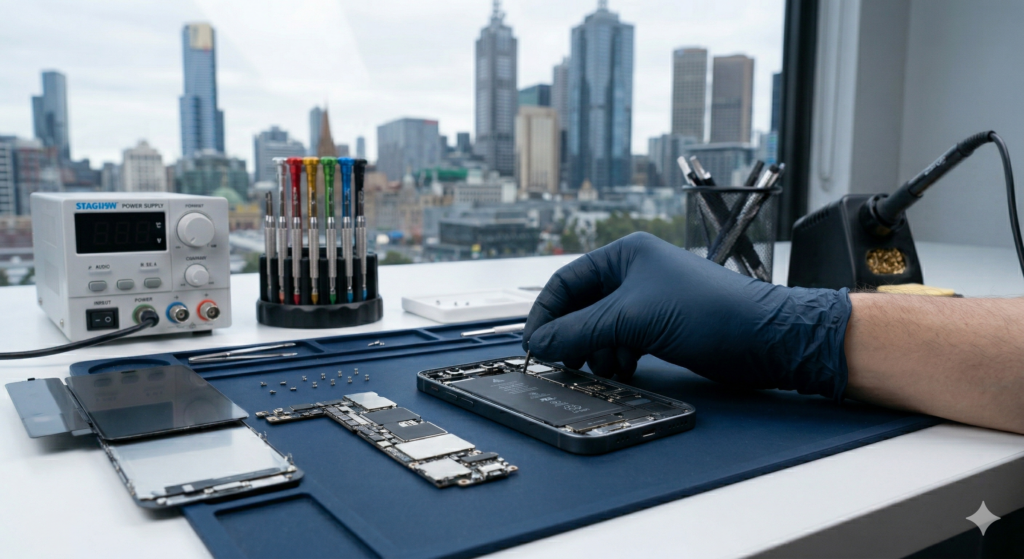
With over 15 years of experience in mobile phone repair across Melbourne and Caroline Springs, I have seen every iteration of the iPhone. While these devices are engineering marvels, repairing them requires more than just a YouTube tutorial. From the classic iPhone 4 to the latest iPhone 16 Pro, here is the essential technical reality of iPhone repair.
1. The “Lockout” – Specialized Screws
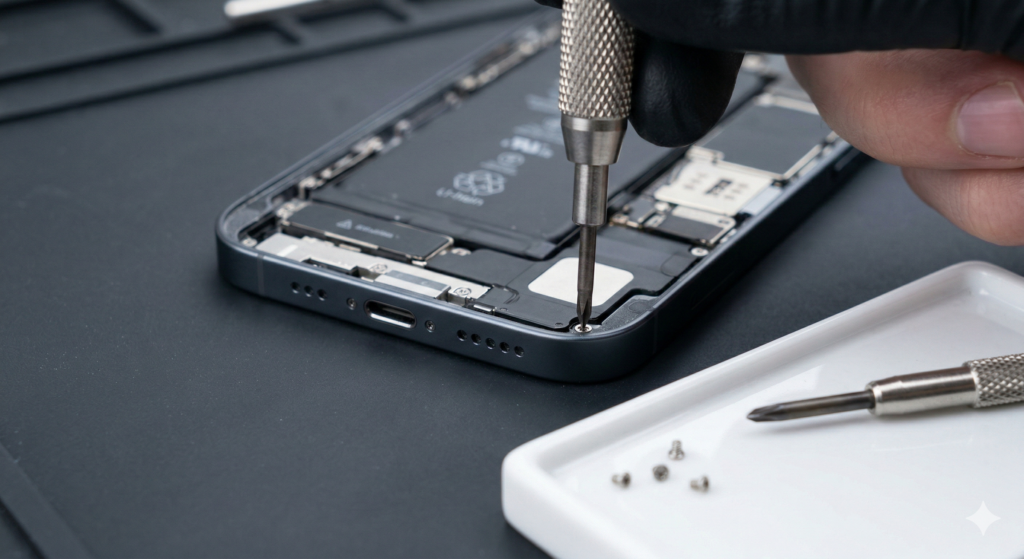
Apple uses proprietary screws to prevent unauthorized access.
- Pentalobe Screws: Since the iPhone 4, these five-point star screws are the only way to open the chassis.
- Tri-point Screws: Found inside almost every modern model; they are microscopic and extremely easy to “strip” or damage if you don’t use professional-grade drivers.
2. The Adhesive Barrier (Water Resistance)
Every iPhone since the iPhone 7 is sealed with industrial-grade adhesive for water resistance.
- The Risk: Opening the phone without softening this glue can tear delicate flex cables or crack the screen.
- The Solution: We use specialized heat pads and chemical adhesive removers (like 91% Isopropyl alcohol) to safely bypass this seal.
3. Parts Pairing & Serialization (The Digital Lock)
Modern iPhones (especially Series 12 through 16) have “serialized” components.
- The Issue: Even if you swap a genuine screen or battery from one iPhone to another, the phone may display an “Important Message” or disable features like Face ID, Touch ID, or True Tone.
- Battery Health: Replacing a battery often results in the loss of the “Battery Health” percentage display in settings.
4. The Lethal “Long Screw Damage”
This is the most common mistake in DIY repairs.
- The Error: iPhones use screws of slightly different lengths. If a 1.3mm screw is placed in a 1.1mm hole, it can pierce the logic board.
- The Consequence: This destroys the traces in the motherboard, often leading to a “Blue Screen of Death” or a completely dead phone.
5. Activation & iCloud Locks
No hardware repair can bypass a software lock.
- Pre-Repair Check: Always ensure Find My iPhone is turned off and you have the iCloud password. Without this, the phone remains a “brick” regardless of how many parts you replace.
Related Articles:
» iPhone Repair in Melton West
» iPhone Repair Service in Ardeer
» iPhone Repair Service in Deanside
» iPhone Repair in Thornhill Park
Frequently Asked Questions (FAQ)
Is my iPhone still waterproof after a repair?
We re-apply the adhesive seal, but no repaired phone is 100% waterproof. We advise keeping all repaired devices away from water.
Why is my Face ID not working after a screen fix?
Face ID sensors are uniquely paired to your original motherboard. If the front sensor assembly is damaged during the swap, Face ID will fail.
Can I trust “Cheap” replacement parts?
Cheap parts often have lower brightness, poor touch sensitivity, and higher battery drain. At Katya Phone Repair, we only use premium-grade components to match Apple’s standards.
Why Choose Katya Phone Repair in Melbourne?
Don’t risk your expensive device with a DIY attempt. With 15+ years of experience, we provide:
- Precision Repairs: Covering all models from iPhone 6 to iPhone 16 Pro Max.
- Local Expertise: Serving Caroline Springs and the greater Melbourne area.
- Guaranteed Service: Professional handling to avoid “Long Screw Damage” and other common pitfalls.