
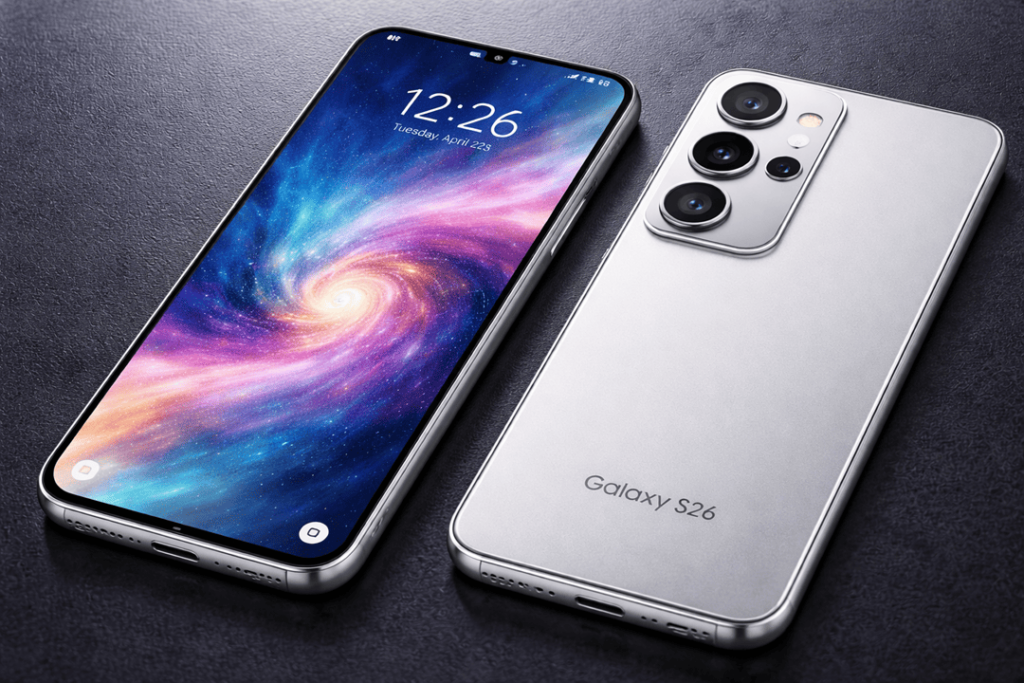
If your Galaxy S26 overheating feels like it’s “next level” (you can’t hold it, warm while idle, hot when you charge) then we aren’t talking about “normal warmth”. Yes, recent Galaxy phones can get warm when gaming, on 5G, taking pics or while fast charging. Samsung even adds that heat can be caused with the use of processor-heavy apps, multitasking, poor signal, and charging accessories.
However, when the heat keeps coming back, the real question becomes simple:
- Is it a battery fault (age, swelling, internal resistance, charging stress)?
- Or is it a motherboard fault (power IC, charging IC, shorted component, liquid damage, failing chip)?
This guide breaks down both, in plain language, so you can act fast and avoid bigger damage.
First: don’t ignore the safety signs
Before you troubleshoot anything, do a quick safety check:
- If the back cover of your phone peels up, the screen pops out or you discover a “pillow” bulge in either side of your device — between those warnings and this recall, it’s time to stop using the phone. That indicates a bulging lithium-ion battery and can be dangerous.
- If you notice a sweet/chemical smell, see something that looks like smoke, or the device suddenly becomes painfully warm to the touch, power it down immediately and store in an area free from flammables.
Also, don’t press, bend, or puncture anything. A damaged battery can go from “hot” to “hazard” quickly. Get details on Mobile Repair in Caroline Springs.
Normal warm vs abnormal hot: what’s “expected” on a Galaxy?
A little warmth can happen when you:
- run games or high-performance apps
- use GPS navigation for a long drive
- stream video for hours
- fast charge or wireless charge
- stay on weak signal (phone boosts power to hold the connection)
Samsung’s own troubleshooting lists these as common causes and suggests reducing load, brightness, and radios (Wi-Fi/GPS/Bluetooth) when you don’t need them.
Abnormal heat usually looks like this:
- overheating while idle (screen off, no apps running)
- heating up in your pocket
- getting hot every time you plug in, even at low battery use
- random restarts, shutdowns, or charging problems along with the heat
That’s when you start thinking battery vs motherboard. Looking for a Samsung Smartphone Repair in Caroline Springs?
Battery-related overheating: the usual pattern
A battery issue typically creates broad, “spreading” heat and comes with battery behaviour changes.
Signs it’s the battery (or charging path stressing the battery)
- Fast battery drain even on light use
- Battery percentage jumping (e.g., 35% to 20% quickly)
- Phone gets hot mainly during charging (wired or wireless)
- Back panel feels warm across a larger area, often mid-to-lower section
- You notice battery swelling symptoms (cover lifting, screen pressure)
Why the battery overheats
As batteries age, internal resistance rises. So, the charging or workload is creating more heat. Cheap chargers/cables also leads to variable voltage, which in turn produces more heat and strain. Samsung specifically cites third-party chargers and heavy use that produce heat.
Quick reality check: if the heat got better once you turned off fast charging or switched back to a known-good charger, you’re thinking battery/charging stress not dead motherboard. Get details on Mobile Screen Replacement in Caroline Springs.
Motherboard-related overheating: the more “surgical” hotspot
A motherboard fault usually creates a more localised hotspot and often stacks with other odd symptoms.
Signs it’s the motherboard
- Heat spikes even when the phone is idle
- A very specific area gets hot fast (often top half near camera/processor area)
- Phone reboots, freezes, or bootloops during heat events
- Charging becomes unreliable (slow charging, disconnects, no charging)
- You’ve had liquid exposure, hard drops, or prior repair work
- The phone warms up the moment it turns on, even before you open apps
What causes it? Often a bad power management IC (PMIC), shorted capacitors, damaged charging IC or liquid damage. In plain terms: the board draws too much power or leaks current where it shouldn’t, and that turns into heat.
Battery vs motherboard: quick comparison table
| Symptom | More likely battery | More likely motherboard |
| Hot mainly while charging | ✅ | ⚠️ (if extreme / unstable charging) |
| Hot while idle (screen off) | ⚠️ (rare but possible) | ✅ |
| Back cover bulging / lifting | ✅ | ❌ |
| Heat is spread out | ✅ | ⚠️ |
| Heat is a sharp hotspot (top area) | ⚠️ | ✅ |
| Random restarts + heat | ⚠️ | ✅ |
| Battery % jumps / drains weirdly | ✅ | ⚠️ |
| Charging port issues + heat | ⚠️ | ✅ (if charging circuit damaged) |
A 20-minute DIY test
These checks won’t “prove” the cause 100%, but they narrow it down a lot.
1) Strip the heat traps
Remove the case. Stop charging. Let it cool for 10 minutes in a shaded room. Thick cases can hold heat and make a mild problem feel severe.
2) Check what the phone was doing
Open settings → battery/device care (names vary by region) and look for:
- high background activity
- apps with heavy battery use
- recent installs that coincide with overheating
Processor-heavy apps and multitasking can absolutely heat a Galaxy device.
If one app stands out, uninstall it or restrict background use.
3) Do an “idle test”
Charge to around 60–80%, unplug it, then leave the phone untouched for 15 minutes with:
- Airplane mode ON
- screen OFF
- no hotspot, no Bluetooth
If it still heats up noticeably, that points away from “apps” and closer to hardware (often motherboard).
4) Do a controlled charging test
Try a known-good charger and cable. If you can, use an original or certified adapter. Then:
- charge with the phone screen off
- avoid wireless charging during the test (wireless adds heat)
- if your settings allow it, turn off fast charging once and compare
If the overheating occurs when using only a single charger or cable, you may be able to fix it easily. If it overheats with a new charger every time and is still unstable, then hardware decode or battery charge circuit.
5) Feel where it heats
This sounds basic, but it helps:
- Lower/back wide warmth → battery path more likely
- Top hotspot near camera/processor → motherboard area more likely
When a battery replacement makes sense
A battery replacement is the right move when:
- the phone is 12–24+ months old with heavy daily charging
- you see swelling signs (don’t delay this)
- you get rapid drain + heat during charge
- the phone works normally otherwise (no random reboots, no bootloops)
A good shop should also test charging behaviour after the swap. If the phone still overheats while idle, the battery wasn’t the root cause. Looking for a Smartphone Battery Replacement in Caroline Springs?
When you’re looking at motherboard repair
You likely need motherboard repair (or board-level diagnosis) when:
- heat occurs at idle or right after boot
- charging is unstable (drops in/out, slow, or no charge)
- the phone restarts, crashes, or freezes alongside heat
- there’s water damage history or corrosion signs
At a repair bench, technicians often:
- check current draw for abnormal power consumption
- inspect for liquid corrosion
- isolate shorted components around the PMIC/charging IC
- verify whether the charging port or flex cable causes the issue
Motherboard repairs can be as minor as a component swap, or even involve replacing the board in its entirety. If your data is important, then backup now before that phone becomes unusable.
Related Articles:
» iPhone 16 Pro screen flickering fix: Causes & Repair options
» iPhone 16 battery draining fast: diagnosis + battery replacement
» Galaxy A55 Water Damage Repair: What to Do First
» Galaxy A56 Battery Replacement: How long it takes
» OPPO Speaker Not Working: Water and Dust
How to reduce overheating
Even after repair, daily habits matter. To keep temps down:
- Don’t charge under pillows, in cars, or in direct sun
- Avoid gaming while charging (it stacks heat sources)
- Use quality chargers/cables (cheap ones can run hotter)
- Keep storage free and update software regularly (updates can improve thermal behaviour)
- If you use wireless charging, remove thick cases and align the coil properly
FAQs: Galaxy S26 overheating
1) Is Galaxy S26 overheating ever “normal”?
Yes, mild warmth during gaming, camera use, 5G, or charging can be normal. Persistent heat at idle is not.
2) How do I know if it’s a battery problem?
Look for fast drain, charging heat, percentage jumps, and any swelling or back cover lifting.
3) What are clear motherboard overheating signs?
Heat at idle, a sharp hotspot near the top, random restarts, bootloops, or unstable charging.
4) Can fast charging cause overheating?
It can increase heat, especially with poor airflow or cheap chargers. Try toggling fast charging off to compare.
5) Is wireless charging hotter than wired?
Usually, yes. Wireless charging adds conversion heat and can worsen borderline issues.
6) Should I keep using my phone if it’s swollen?
No. Stop using it and arrange a battery replacement immediately.
7) Can a phone case overheat?
A thick case won’t create a fault, but it can trap heat and make overheating feel worse.
8) Will a software update fix overheating?
Sometimes. If a bugged app or background process causes heat, updates and app fixes can help.
9) Does overheating damage the battery?
Yes, repeated high heat can speed battery wear and capacity loss over time.
10) What should I do right away when the phone gets too hot?
Stop charging, close apps, change to a cool shaded area, take off the case and let it cool down naturally.
11) Is battery replacement cheaper than motherboard repair?
Almost always. Battery replacement is usually the first step when symptoms match battery failure.
12) Can Katya Phone test whether it’s battery or motherboard?
Yes—most repair shops can run battery health checks, controlled charging tests, and board-level diagnostics to identify whether you need battery replacement or motherboard repair.