
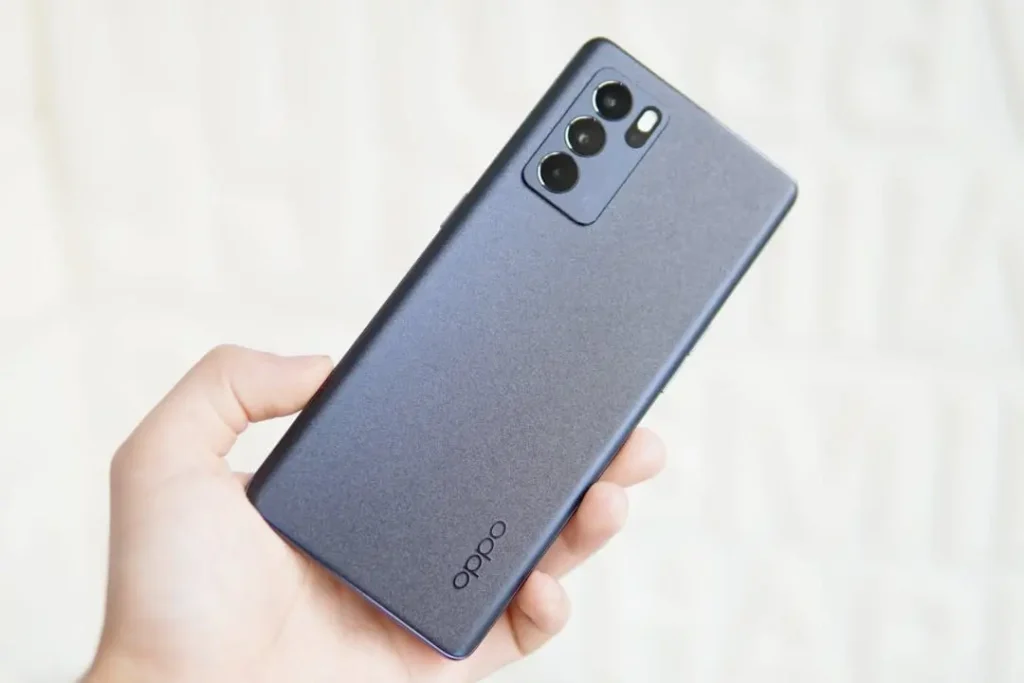
When your OPPO speaker is not working suddenly, it feels dramatic—calls sound muffled, videos go quiet, and notification tones disappear at the worst timing. However, the cause is usually simpler than people think. Most of the time, it’s water in the OPPO speaker (splash, rain, humidity, sweaty pocket) or dust clogging the speaker grille (lint, sandpaper, make-up powders, building dust).
So, how do you tell the difference? And more importantly, what can you do at home without making it worse?
This guide breaks down water vs dust speaker damage, the safest DIY checks, and when it’s time to book a repair with Katya Phone.
First: Understand How OPPO Speakers Fail
OPPO phones use small speaker chambers with mesh grills to protect internal parts. That mesh helps, but it also traps things.
- Water can sit behind the mesh and block sound like a tiny “plug.”
- Dust/lint slowly packs into the grill and reduces volume over time.
- Sometimes it’s a mix: dust + moisture = sticky gunk that blocks sound even harder.
That’s why symptoms matter. Luckily, they usually point to the right cause. Get details on Mobile Repair in Caroline Springs.
Water vs Dust: Quick Symptom Comparison
Here’s a simple way to diagnose the likely culprit.
| Symptom | More Likely Water | More Likely Dust |
| Sound became muffled suddenly after rain/shower/cleaning | ✅ | ❌ |
| Speaker crackles, then fades | ✅ | ❌ |
| Sound is low for weeks/months | ❌ | ✅ |
| Speaker sounds blocked but improves as the grille air-dries | ✅ | ❌ |
| Audio works sometimes when you tap the phone lightly | ✅ (water shifting) | ✅ (loose debris) |
| You see lint packed into the grill | ❌ | ✅ |
| Phone feels humid, was in a steamy bathroom | ✅ | ❌ |
If your issue began right after a splash, it’s likely water in the OPPO speaker. If it slowly got quieter, it’s usually dust in the speaker grille.
Step-by-Step: Safe Home Checks (No Risky Tricks)
Use these checks only on a dry phone with no signs that liquid got inside. If the phone was submerged, soaked or may have liquid inside, switch it off, unplug it if safe to do so and arrange a prompt inspection. Leave it off and disconnected while you wait.
1) Test both speakers (if your OPPO has dual output)
Some OPPO models use the bottom speaker + earpiece for stereo. Play a YouTube video and rotate the phone. Put your ear near both outlets.
If one side is dead, the issue is likely physical (water/dust/damage), not software.
2) Check volume + audio settings
It sounds basic, but it catches common mistakes:
- Increase media volume (not just ringtone).
- Turn off Bluetooth (audio may be routing to earbuds).
- Disable “Do Not Disturb” for alerts.
- Restart the phone.
If it fixes instantly, it wasn’t water or dust.
3) Try Safe Mode (to rule out app interference)
If audio fails only in certain apps, an overlay or audio tool could be causing it. Safe Mode helps isolate that. Looking for a OPPO Phone Repair in Caroline Springs?
If It’s Water: What to Do (And What NOT to Do)
A light splash on the outside of the speaker grille may temporarily muffle the sound. Treat submersion or suspected liquid inside the phone as a separate problem.
What you SHOULD do
1) Switch off after soaking or suspected liquid entry
Disconnect any cable if it is safe to do so. Keep the phone off and arrange a prompt inspection, even if the outside looks dry.
2) Wipe away a light splash on the grille
If the splash was limited to the outside of the grille, remove the case and gently blot the exterior with a soft, dry microfibre cloth.
3) Let the exterior air-dry
Leave the phone in a dry place with gentle airflow. Keep the speaker grille facing down so excess droplets can drain.
4) Use OPPO Speaker Cleaner only for minor grille droplets
Once the exterior is dry, use the built-in feature only if your model supports it and the phone is otherwise working normally with no signs of liquid inside. Get details on Mobile Screen Replacement in Caroline Springs.
What you should NOT do
- Keep the phone away from external heat and avoid shaking it hard.
- Keep pins and other objects out of the speaker grille.
- After soaking or suspected liquid entry, leave the phone off and disconnected. Wait for an assessment before charging, playing sounds, restarting or testing it.
How long does water take to clear?
Let minor droplets on the outside of the grille air-dry. A fixed wait cannot tell you whether a soaked phone is dry inside. If the phone was submerged or liquid may have entered it, arrange an inspection promptly. If muffling or crackling continues after a minor splash has dried, have the speaker checked.
If It’s Dust: The Right Way to Clean an OPPO Speaker
Dust can gradually reduce volume. Try these cleaning steps only when the speaker grille and phone are dry.
Safe dust cleaning steps
1) Use a soft, dry brush
A clean toothbrush or anti-static brush is ideal. Brush gently across the grill to loosen debris.
2) Use painter’s tape (lightly)
Tap (don’t drag) the tape on the grill. It lifts lint without tearing the mesh.
3) Use compressed air carefully
If you use it, keep it at a distance and use short bursts. Too close can push debris deeper. Looking for a Smartphone Battery Replacement in Caroline Springs?
Avoid these dust mistakes
- Don’t use liquid cleaners directly on the grill.
- Don’t use needles or metal tools.
- Don’t blow with your mouth (moisture makes dust stick).
Dust cleaning works best when done early. If the speaker has been clogged for months, dirt can harden and require proper disassembly and cleaning.
When It’s Not Water or Dust: Other Causes People Miss
Sometimes the symptoms mimic dirt or water, but the real issue is different.
1) Speaker mesh damage
If the grill is torn or dented, sound can distort. Also, more dirt gets in fast.
2) Audio IC or motherboard issues
If both speaker and mic behave strangely—random dropouts, crackling, or no sound at all—this may be deeper than cleaning.
3) Loose flex cable
After a drop, a cable can loosen. The phone may work sometimes and fail other times.
4) App-based audio routing
Certain call recording apps, equaliser apps, or gaming boosters can mess with output routing.
DIY “Water Eject” Sounds: Are They Safe?
Some OPPO models have a built-in Speaker Cleaner that can help move small droplets from the speaker grille. Use it only on a supported phone after a minor external splash, once the exterior is dry and there are no signs that liquid got inside.
Third-party speaker-cleaning videos cannot dry the inside of a phone or address residue and corrosion. If the phone was soaked or liquid may have reached the inside, keep it off and arrange an inspection. Get details on Smartphone Charging Port Repair.
When to Visit Katya Phone for OPPO Speaker Repair
Arrange a prompt inspection if the phone was submerged, soaked or may have liquid inside. Keep it off and disconnected. The speaker also needs a check if:
- Sound stays muffled or crackles after a minor external splash has dried
- Speaker volume stays low after gentle cleaning of the dry grille
- The phone was exposed to salt water, pool water or a sugary drink
- The speaker grille is damaged or pushed in
- You noticed charging problems after liquid exposure
At Katya Phone, a proper speaker service usually includes safe inspection, cleaning, and part replacement only if required—so you don’t spend money unnecessarily.
Related Articles:
» iPhone 16 Pro screen flickering fix: Causes & Repair options
» iPhone 16 battery draining fast: diagnosis + battery replacement
» Galaxy S26 overheating: Battery vs Motherboard Faults
» Galaxy A55 Water Damage Repair: What to Do First
» Galaxy A56 Battery Replacement: How long it takes
Prevention Tips
A few habits help a lot:
- Keep your phone out of steamy bathrooms.
- Use a decent case with port protection if you work outdoors.
- Clean the speaker grill lightly once a month (brush + tape method).
- Avoid pocketing your phone with lint-heavy fabrics.
Prevention is boring, but it saves you from suddenly “why is my phone silent?” moments.
FAQs: OPPO Speaker Not Working
1) Why is my OPPO speaker not working after water exposure?
2) How do I know if it’s water or dust in my OPPO speaker?
Water is abrupt when a splash comes; dust only gradually, week by week you will find lint in the grill.
3) Can I use rice to dry my OPPO phone speaker?
Rice isn’t recommended because dust can enter ports and grills. Dry airflow is safer.
4) Is it safe to use a hairdryer to dry the speaker?
Not really. Seals, the battery and internal adhesives can be negatively affected by heat.
5) Why is my OPPO speaker crackling after getting wet?
Unstable vibration and early corrosion can be due to the accumulation of moisture. If it carries on, professional cleaning is required.
6) How long should I wait for my OPPO speaker to dry?
Let minor droplets on the outside of the grille air-dry. If the phone was soaked or liquid may have got inside, switch it off, disconnect it from power if safe to do so, and arrange an inspection promptly. A fixed wait cannot tell you whether it is dry inside.
7) Can dust cause OPPO speaker sound to become low?
Yes. The mesh gets the dust and lint clogged, effectively reducing its volume.
8) What’s the safest way to clean an OPPO speaker grill?
Mild rapping with tape and a soft dry brush.. Avoid liquids and sharp tools.
9) My OPPO speaker works on calls but not on videos—why?
On a dry phone with no signs of liquid exposure, check media volume, Bluetooth and audio settings. Safe Mode can help if only some apps are affected. If the phone was soaked or liquid may have got inside, keep it off and arrange an inspection.
10) Can speaker cleaner sound videos fix a wet OPPO speaker?
A video cannot dry the inside of a phone. On supported OPPO models, the built-in Speaker Cleaner can help with minor droplets on the grille once the exterior is dry and there are no signs of liquid inside. Keep a soaked phone off and arrange an inspection.
11) How much does OPPO speaker repair usually cost?
Cost depends on cleaning vs replacement and the model. A quick inspection can confirm the best option.
12) When should I go to a repair shop for OPPO speaker issues?
Arrange a prompt inspection if the phone was submerged, soaked or may have liquid inside. Keep it off and disconnected. Get the speaker checked if it stays muffled after a minor splash has dried, if the grille is damaged, or if you noticed charging problems after liquid exposure.