
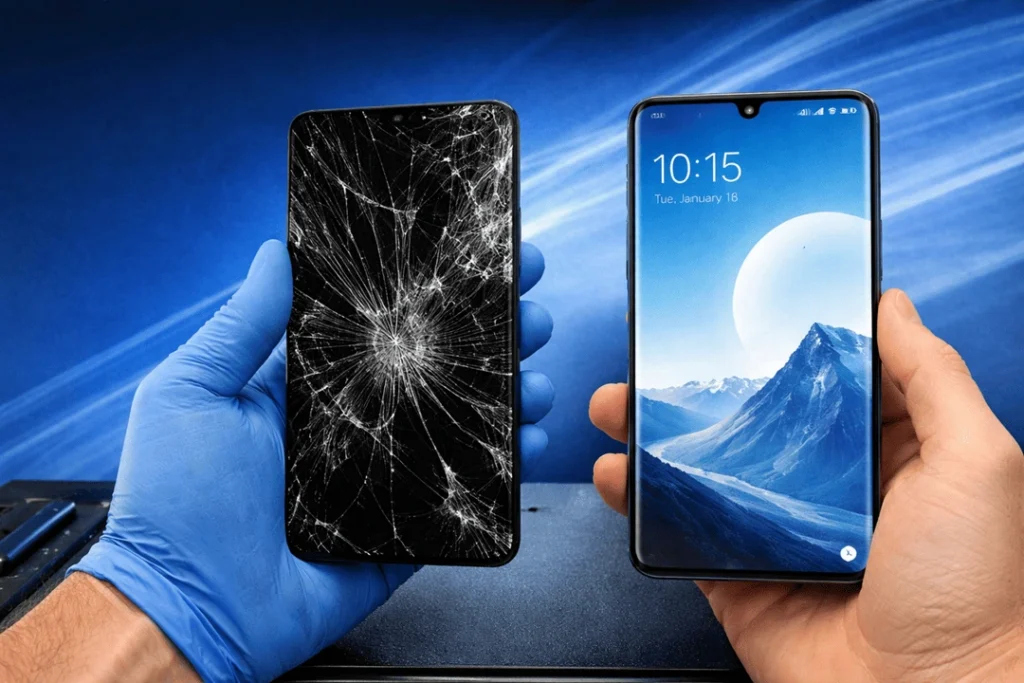
A shattered screen can transform a high-end phone into an everyday nightmare. You are not the only one thinking about replacing your OPPO Find X7 screen. All it takes is one accidental drop, a crush inside of a bag or fast impact to the corner and the display is left flickering, unresponsive or badly smashed. And that’s infuriating, sure, but the good news is this: With many of these cases, a proper repair can revive your phone without the need to replace an entire device.
At Katya Phone, we frequently encounter people who have waited too long to book a repair. For example, they continue to use the phone only to discover a cracked panel, loose glass, dead touch zones or black patches growing on the screen. But anticipating these things early tends to cost less, deploys internal risk better and preserves the phone’s performance. A broken screen isn’t just a cosmetic problem. Over time it can affect everything from touch response, brightness and battery drain to face unlock and even water resistance.
Why the OPPO Find X7 Screen Matters So Much
One of the highlight features of the OPPO Find X7 is its display. It provides a big, sharp and silky-smooth view that makes everything feel more pro, whether scrolling and streaming, gaming or video calling. Because of that, even a tiny crack seems far larger than it presents.
When the display gets damaged, users frequently observe:
- Cracked front glass
- Touch not working properly
- Display lines or ink-like black spots
- Screen flickering
- Dim or uneven brightness
- Ghost touch issues
- No display but phone still vibrates
So, while some people think a minor crack is harmless, that is not always true. Damage can spread fast, especially if the phone faces more drops, heat, dust, or moisture. Get details on Mobile Repair in Caroline Springs.
Signs You Need an OPPO Find X7 Screen Replacement
Not every damaged screen behaves the same way. Sometimes the glass is broken but the image still looks fine. Other times the display goes fully blank even though the phone remains switched on. Here are common signs that point to a full OPPO Find X7 screen replacement:
1. Cracks across the front panel
Even if touch still works, cracked glass can worsen quickly.
2. Touchscreen delay or dead zones
If some areas no longer respond, daily use becomes annoying real fast.
3. Green lines, black patches, or screen bleed
These usually suggest display panel damage, not just broken glass.
4. Flickering or flashing display
That often means internal screen layers have been affected.
5. Screen lifting or separating
This can happen after impact and should be checked immediately.
6. No picture on screen
If the phone rings or vibrates but shows nothing, the display assembly may have failed. Looking for a OPPO Phone Repair in Caroline Springs?
Common Causes of Screen Damage
Although drops are the most obvious cause, they are not the only one. In fact, many cracked screens happen during normal everyday use.
| Cause | How It Damages the Screen | Risk Level |
| Accidental drops | Cracks glass or damages display panel | High |
| Pressure in pocket or bag | Causes internal screen stress | Medium |
| Corner impact | Can break both glass and touch layer | High |
| Sitting on phone | Leads to screen flex and display failure | Medium |
| Previous poor repair | Weak adhesive or low-quality parts fail early | High |
| Heat exposure | May worsen existing damage | Medium |
Because of this, a quality repair matters just as much as the repair itself.
Screen Repair vs Screen Replacement
Many customers ask whether their phone needs a simple repair or a full replacement. In most cases, modern smartphones like the OPPO Find X7 use a bonded display setup. That means the glass, touch layer, and display are closely integrated.
Here’s a simple comparison:
| Issue | Possible Fix | Best Option |
| Light surface scratch | Cosmetic only | No repair needed |
| Cracked glass with display issues | Full screen replacement | Recommended |
| Black spots or lines | Full screen replacement | Required |
| Touch not working | Full screen replacement | Required |
| Display fully blank | Diagnostic + replacement | Recommended |
So yes, while some older phones allowed glass-only work, premium newer models often need a complete screen replacement service for reliable results. Get details on Smartphone Battery Replacement in Caroline Springs.
Why Fast Repair Helps
Putting off a broken screen repair can create bigger problems later. That’s why it is smart to book an OPPO phone screen repair as soon as you notice the issue.
A quick repair can help you:
- Protect internal components from dust and moisture
- Avoid worsening cracks and display failure
- Maintain smooth touch performance
- Improve resale value
- Reduce the chance of injury from broken glass
Besides that, using a damaged display every day is just tiring. You shouldn’t have to angle your phone in weird light or tap the same spot three times to get a response.
What to Expect During an OPPO Find X7 Screen Replacement
A proper OPPO Find X7 screen replacement should involve more than simply swapping a part. A technician should inspect the device carefully before and after the repair.
The process usually includes:
- Full inspection of screen damage
- Testing touch, display, and frame condition
- Safe removal of the damaged display
- Fitting a compatible replacement screen
- Reassembly with careful alignment
- Final quality checks for touch and brightness
If the frame is bent or there is hidden internal damage, that should also be discussed before the job moves ahead. Honest advice makes a big difference. Looking for a Smartphone Charging Port Repair in Caroline Springs?
How to Choose a Reliable Phone Repair Shop
Not all repair shops deliver the same result. A cheap price may look tempting at first, but poor-quality parts or rushed installation can create more issues later.
When choosing a phone screen replacement service, look for:
- Experienced technicians
- Quality-compatible parts
- Clear repair assessment
- Warranty on workmanship where offered
- Transparent pricing
- Good local reputation
At Katya Phone, customers usually want repairs done properly, not just quickly. And fair enough too. A premium handset deserves careful handling.
Simple Tips to Protect Your New Screen
Once your OPPO Find X7 screen replacement is done, it makes sense to protect the phone better than before.
Use these practical tips:
- Fit a quality screen protector
- Use a shock-absorbing case
- Avoid carrying the phone with keys or coins
- Don’t place the phone in your back pocket
- Keep it away from extreme heat
- Handle it carefully during charging and travel
These small steps can reduce the chance of repeat damage. No protection is perfect, of course, but it helps a lot. Get details on Mobile Screen Replacement in Caroline Springs.
Is Screen Replacement Worth It?
For many users, yes, absolutely. As long as the phone still runs fine, replacing its screen will be considerably more economical than purchasing a new one. You have your familiar handset, your data stays with you and the phone becomes usable again without the larger capital outlay of upgrading.
Of course, the final number will vary with the extent of damage and repair quality along with general device condition. However, a professional OPPO Find X7 screen repair is still practical for most ordinary situations.
Related Articles:
» Smart Phone Camera Repair in Caroline Springs
» Smartphone Button Repair in Caroline Springs
» Smartphone Water Damage Repair in Caroline Springs
» Smartphone Software Problems Repair in Caroline Springs
» Smartphone Case Repair in Caroline Springs
Restoring Your OPPO Find X7: Screen Replacement Made Easy
A cracked phone screen is not just an aesthetic problem. It disrupts work, messages, maps, photos, payments and daily life. Hence if you see cracks, dead touch zones, black spots and flickering in your handset — it’s better to face it early.
A OPPO Find X7 screen replacement, performed by professionals, will restore your device to visible fitness, accelerate its touch reaction and skyrocket its longevity! For users who depend on their phone daily, that peace of mind means a lot.
Quick Comparison Table: When to Replace the Screen
| Screen Condition | Can You Keep Using It? | Recommended Action |
| Tiny scratch only | Yes | Monitor only |
| Cracked glass, touch works | Maybe for short term | Replace soon |
| Flickering display | Not ideal | Replace promptly |
| Black spots or lines | No | Replace urgently |
| No display at all | No | Book diagnostic and replacement |
| Broken glass exposing sharp edges | Unsafe | Replace immediately |
FAQs About OPPO Find X7 Screen Replacement
1. How do I know if I need an OPPO Find X7 screen replacement?
2. Can a cracked OPPO Find X7 screen get worse over time?
Yes. Just a small crack can make waves and result in touch corruption or display damage.
3. Is it safe to use my OPPO Find X7 with a broken screen?
It might work for a period but is not suitable. The broken glass can cut and internal damage may worsen.
4. Does screen replacement fix touch issues too?
In many cases, yes. If the touch issue is related to screen damage, replacing the display assembly usually fixes it.
5. Why is my OPPO Find X7 screen black but the phone still vibrates?
This generally means the display has broken while the phone remains powered on.
6. Can a screen protector fix a cracked OPPO screen?
No. A screen protector can prevent loose glass from getting worse, at least a little bit, but it cannot heal display damage.
7. Is screen replacement cheaper than buying a new phone?
Usually yes. If the rest of the phone functions as it should, the screen replacement is often less costly.
8. What causes green lines or black patches on the screen?
Those are signs that indicate potential internal damage to the display caused by impact or pressure.
9. Will a damaged screen affect phone performance?
Yes, it can. That can come at the expense of touch response, visibility, battery efficiency, and day-to-day usability.
10. Should I back up my phone before screen replacement?
Sure, but that’s always a good first step before doing repairs.
11. How can I protect my screen after replacement?
Put it inside a thick case, attach a screen protector, and make sure no pressure is applied to the phone in your pockets or bags.
12. Why should I choose a professional repair service for OPPO Find X7 screen replacement?
Professional repair ensures proper fit, reliable touch functionality, safer installation and better longevity as compared to home replacement.