
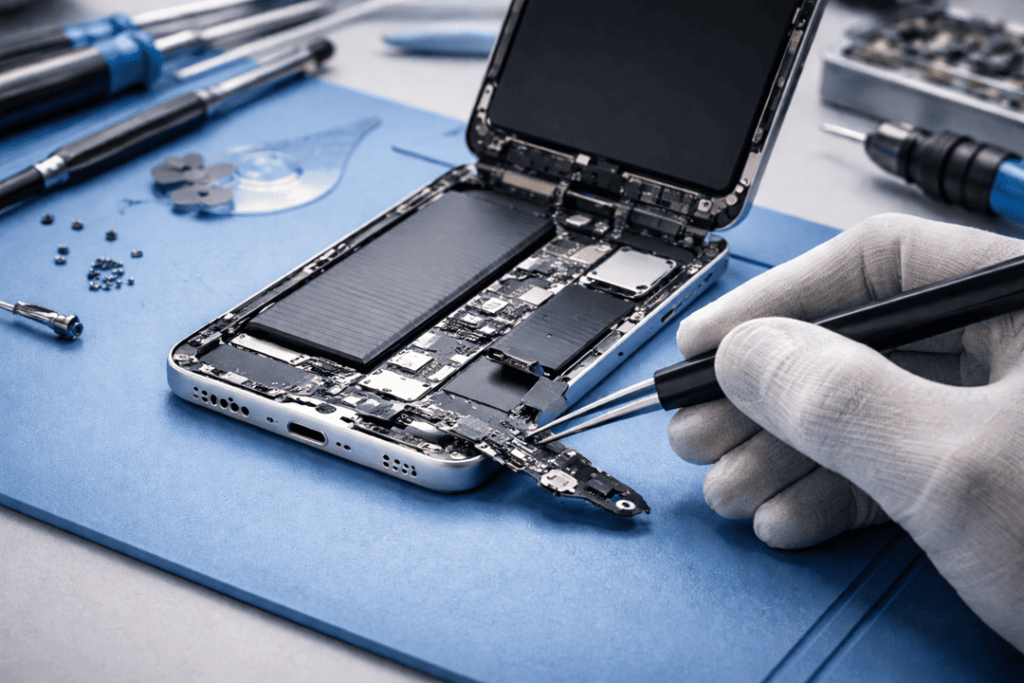
If your iPhone 16 won’t charge, it’s stressful — especially when you’ve tried three different cables and it still sits at 1%. The good news is, most charging problems come down to a few common causes: a blocked port, a tired cable, software glitches, or (yes) a damaged charging port. The trick is figuring out which one you’re dealing with, without making it worse.
In this guide from Katya Phone, I’ll walk you through the real reasons your iPhone 16 charging port might be playing up, what you can try safely at home, and when you should book an iPhone 16 charging port repair.
Quick signs your iPhone 16 charging port is the issue
Before we go deep, here are the classic clues:
- The cable feels loose or won’t “click” in properly
- Charging starts, stops, then starts again
- You must hold the cable at a weird angle to charge
- You get “Accessory not supported” or random connection alerts
- It charges slowly even with a fast charger
- It won’t charge at all, but wireless charging works
If this sounds familiar, your next steps matter. Get details on Mobile Repair in Caroline Springs.
1) Lint and dust in the port
This one surprises people. Fine lint, beach sand and dust set in quickly in Australia. This builds up over time in the port and prevents them from making a good connection on the pins. So the cable may appear plugged in, but it’s just not making contact correctly.
What you can do (safely):
- Turn the phone off.
- Use a torch to look inside the port.
- If you see fluffy lint, no metal tools.
- The safest approach is a clean, dry soft brush (e.g. something like a small anti-static brush)..
Avoid: toothpicks that break, paper clips, pins & anything sharp — one wrong move could damage the port contacts.
If cleaning doesn’t help, move on. Don’t keep poking, because it can turn a simple clean into a proper charging port repair.
2) Your cable or charger is the real problem
It sounds obvious, but it’s common. Cables fail internally, especially near the ends. Also, cheap chargers can cause unstable charging and overheating.
Try this checklist:
- Test with a known-good Apple-certified cable
- Try a different power adapter
- Try a different wall outlet
- Try charging from a computer USB-C port (if available)
If your phone charges fine with another cable, you’ve saved yourself a repair. Looking for a iPhone Repair Service in Caroline Springs?
3) Moisture detection and corrosion
In an attempt to protect itself, if moisture has been detected by your iPhone inside the port then it might even refuse to charge. Sometimes it’s not even “wet” — humidity, sweat or a splash can set it off. Even worse, if moisture is left in there it can corrode the port contacts.
What to do:
- Unplug immediately
- Let it air-dry in a cool room for several hours
- Do not use heat (hair dryer)
- Do not put it in rice (bits can get into the port)
If corrosion has started, you’ll likely need a professional iPhone 16 charging port repair or port replacement, depending on the damage.
4) Software glitches that stop charging
Sometimes your iPhone 16 won’t charge because iOS is misbehaving. It’s not always hardware. You might notice the phone charges one day and refuses the next, with no physical change.
Try these:
- Restart the phone
- Check for iOS updates
- Check whether “Optimised Battery Charging” is messing with your schedule (it can put off charging at certain times).
- Reset settings (not erase): Settings → General → Transfer or Reset → Reset → Reset All Settings
If charging is consistent after a restart or an update then the port is most likely perfect. Get details on Smartphone Charging Port Repair in Caroline Springs.
5) Bent pins or port damage from force
If the cable has been yanked, twisted or forced inside (especially debris) the port pins may bend. And also, repeated strain caused by using the phone while charging can loosen the connection to the port over time.
Common symptoms:
- Cable only charges at certain angles
- It disconnects when you move the phone slightly
- You see visible damage inside the port
At this point, home fixes won’t cut it. A proper repair tech will inspect the port under magnification and confirm whether it’s a clean, re-seat, or full charging port replacement.
6) Battery health and charging control issues
Charging can be slow, inconsistent or may jump around if your battery health is poor. That doesn’t necessarily mean the port is broken, but it often looks like that.
What to watch for:
- Phone drains fast even after charging
- Random shutdowns at 10–20%
- Charging stuck at certain percentages
A shop can run a quick diagnostic to separate battery issues from a true iPhone 16 charging port problem. Get details on Smartphone Button Repair in Caroline Springs.
7) Wireless charging works but cable charging doesn’t
This is a big clue. If MagSafe or Qi wireless charging works normally but plugging in does nothing, the fault is usually:
- Port contamination
- Port damage
- Charging IC or related board-level issue (less common, but possible)
A good technician will check the basics first before calling it a board issue. You don’t want to pay for the wrong fix, simple as that.
What NOT to do when your iPhone 16 won’t charge
To save you from a costly mistake:
- Don’t scrape the port with metal tools
- Don’t spray liquids or contact cleaner into the port
- Don’t jam different cables repeatedly “to test it”
- Don’t keep forcing charging if the phone heats up
- Don’t ignore burnt smells or discolouration on the cable end
If you notice heat, smell, or visible burning — stop and get it checked quickly. Looking for a Smartphone Battery Replacement in Caroline Springs?
When you should book an iPhone 16 charging port repair
You should get professional help if:
- The phone won’t charge with multiple known-good cables
- The port feels loose or the cable won’t lock in
- Charging disconnects easily
- Moisture/corrosion is suspected
- You rely on the phone daily and need a reliable fix (most people do)
Usually, a proper check includes port inspection, safe clean-up attempts and confirmation of the charging port being a problem before replacement is suggested at Katya Phone.
How a charging port repair is usually done
Depending on what’s wrong, the repair might involve:
- Careful port cleaning under magnification
- Replacing the charging port assembly if it’s damaged
- Testing charging speed, data transfer, and stability
- Confirming no related faults (battery, charging chip, cable detection)
A quality repair should end with the phone charging normally without needing “special angles” or repeat plug-ins. That’s the goal.
Related Articles:
» iPhone 16 Pro screen flickering fix: Causes & Repair options
» iPhone 15 Battery Replacement: Signs You Need It
» iPhone 13 Camera Black Screen: Repair Checklist
» iPhone 15 Back Camera Glass Cracked: Fix Without Replacing the Camera
» iPhone 15 Proximity Sensor Issue: Screen Replacement
Solving iPhone 16 Charging Port Issues
So, when your iPhone 16 won’t charge, don’t panic and don’t force it. Perform the safe checks first, and then seek a proper diagnosis if the issue continues. A small problem, such as debris, can appear like a serious fault — and a serial fault can become worse if you keep jiggling the cable on a daily basis.
FAQs: iPhone 16 Charging Port Repair
1) Why is my iPhone 16 not charging even though the cable works on other devices?
Most likely, port debris, port damage or charging-control fault. Try a gentle inspection first.
2) Can lint really stop an iPhone 16 from charging?
Yes — lint compacts like felt and blocks the connector from seating properly.
3) My iPhone 16 charges slowly. Is the charging port broken?
Not always. Slow charging can be due to low-watt chargers, faulty cables, excessive heat or a poor battery.
4) Is it safe to clean the charging port at home?
Light brushing is perfect, but no sharp instruments. If not sure, get it professionally cleaned.
5) What does it mean when charging works only at an angle?
That usually points to worn contacts, bent pins, or a loose port connection.
6) Will iOS updates fix charging issues?
Sometimes. If it’s a software glitch, an update or restart can restore normal charging.
7) My iPhone says “Liquid detected”. What should I do?
Unplug, power down, and let it dry naturally. Don’t apply heat or push objects into the port.
8) If wireless charging works, do I still need a charging port repair?
If cable charging doesn’t work at all, yes, the port is a prime suspect.
9) Can a damaged cable harm the charging port
It can. Bad cables can overheat and cause a spark, or wear the port out faster.
10) How long does an iPhone 16 charging port repair take?
Many repairs in-store will be done the same day depending on parts availability and fault.
11) Will I lose data during charging port repair?
Normally no. Charging port repair doesn’t involve wiping the phone, but it’s smart to back up anyway.
12) How do I prevent charging port problems in the future?
Don’t put the phone in dusty pockets, don’t charge it in humid places and don’t pull the cable sideways while it’s still plugged in.