
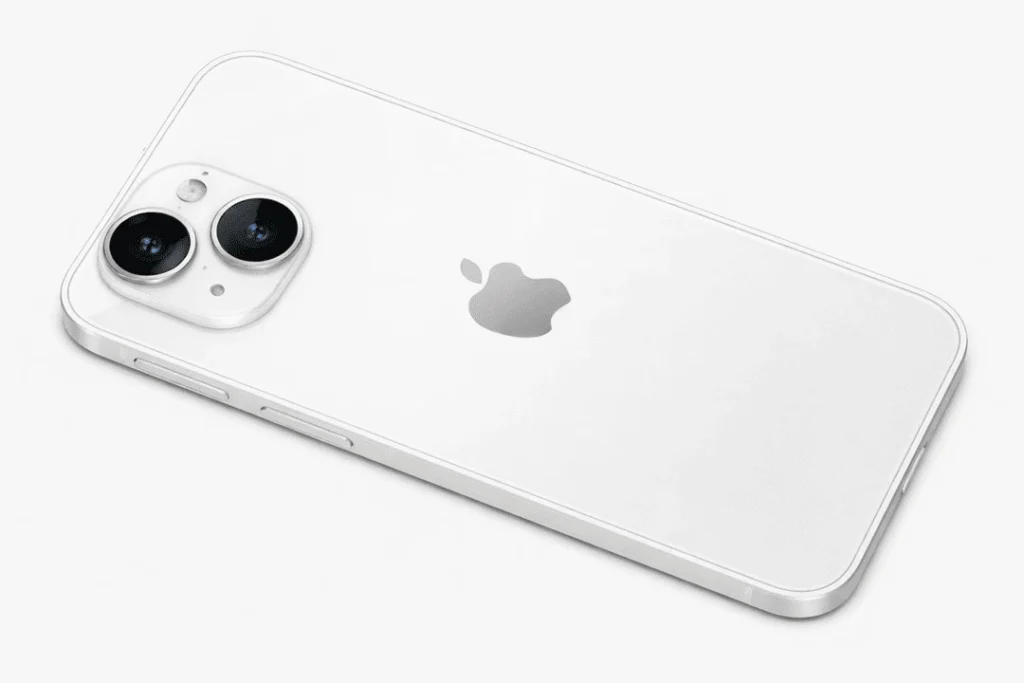
Your iPhone 14 back glass is cracked and now you’re worried about the cost, the time, and whether it will look “factory new” again? You’re not alone. It might seem like a chipped back panel is no big deal, but it can quickly become bigger problems: sharp edges, dust getting in ruining water resistance, even overheating if the damage crawls too close to internal components. The good news is that an iPhone 14 back glass replacement is among the most common repairs, and when it’s done correctly, your phone can look new and work just as well again.
In this guide, Katya Phone details what exactly to expect from before the repair, through the process of repair and after — so you can more confidently make a decision.
Why the iPhone 14 Back Glass Cracks So Easily
The iPhone 14: The back of the phone is glass to allow wireless charging and a little luxury.Still, glass is glass. Spider cracks can result from even a small drop upon tiles, concrete or curbing. Second, as soon as the first crack shows up, the glass weakens. So the next tap can damage entire panel.
Common causes include:
- Drops without a case
- Hard impacts near the corners
- Pressure damage (sitting on the phone, tight jeans, heavy bags)
- Existing micro-cracks that grow over time
Signs You Should Replace the Back Glass (Not Just “Live With It”)
Some people try to ignore back glass damage. However, that’s risky. Here’s when you should book a back glass repair for iPhone 14:
- You can feel sharp edges or loose shards
- Cracks are spreading around the camera area
- The phone feels rough and uncomfortable to hold
- Dust keeps building around the cracks
- The back is lifting, flexing, or crunching when pressed
- You rely on wireless charging, and it’s inconsistent
Even if the phone still functions, damage can compromise safety and long-term reliability. Get details on Mobile Repair in Caroline Springs.
What Happens During an iPhone 14 Back Glass Replacement
A professional repair is more than “peel and stick.” At Katya Phone, the process is done carefully to protect internal parts and keep the finish neat.
1) Inspection and Safety Check
First, the technician checks:
- Frame condition (bent frames make repairs harder)
- Camera lens and housing alignment
- Battery health and signs of swelling
- Charging performance and buttons
This step matters because it helps avoid surprises later.
2) Removing the Broken Glass
For iPhone 14 models, back glass removal usually involves controlled heat and specialist tools. The goal is to remove shattered pieces safely without damaging:
- Wireless charging coil
- Internal flex cables
- Housing and frame edges
A careful approach also reduces the chance of marks on the frame.
3) Cleaning and Surface Prep
Next, all old adhesive and dust is removed. This part is slow, but it’s critical. Otherwise, the new glass may not sit flat, and you could see gaps later.
4) Installing the New Back Glass
Then the new panel is aligned, sealed, and pressed into place. If the glass is quality and the fit is correct, it should look smooth with clean edges and no wobble.
5) Final Testing
Finally, the phone is tested for:
- Wireless charging
- Camera clarity and focus
- Microphone/speaker performance
- Network signal and Bluetooth
- General stability and heat
So, you leave with a phone that looks better and works as expected. Looking for a iPhone Repair in Caroline Springs?
How Long Does iPhone 14 Back Glass Repair Take?
Duration varies, based on the severity of the damage and method of repair. Most of the time iPhone 14 back glass repair can be done same day. But if the frame is warped or damaged, the camera housing has been impacted or there’s internal damage, it could take longer.
Tip:If your phone serves as your work phone, inquire about same-day service and good times to drop off.
Will the Phone Still Be Water-Resistant After the Repair?
This is important: iPhones are manufactured with specific seals and pressure testing. After any repair, water resistance can never be guaranteed the same way as factory conditions. Still, a good repair shop uses proper sealing methods to restore the best possible protection.
Even so, it’s smart to:
- Avoid swimming or heavy water exposure
- Keep the phone away from steam and hot showers
- Use a quality case for extra protection
Will Wireless Charging Still Work?
Yes — as long as it was repaired properly and the wireless charging coil is not damaged, wireless charging should work fine. If wireless charging wasn’t working before a repair, tell the tech upfront. That way they can test and verify if it’s only the glass or if the problem runs deeper. Get details on Smart Phone Camera Repair Service in Caroline Springs.
Back Glass Replacement vs Full Housing Replacement
You might hear two repair options:
Back Glass Only
- Usually cheaper
- Restores appearance and safety
- Keeps most original housing parts intact
Full Housing Replacement
- More expensive
- Replaces the entire frame/housing
- Helpful when the frame is bent or badly damaged
A quick inspection will tell which option suits your phone. Therefore, it’s best not to guess.
What to Do Before You Bring Your iPhone In
To avoid stress, do these simple steps:
- Back up your iPhone (iCloud or computer)
- Turn off Find My iPhone if requested by the shop
- Remove your case and SIM tray if you want
- Take photos of the damage for your records
- Tell the technician if the phone has been exposed to water
Also, if your camera lens is scratched, mention it. Many people confuse lens damage with back glass damage.
Related Articles:
» iPhone 15 Back Camera Glass Cracked: Fix Without Replacing the Camera
» iPhone 13 Camera Black Screen: Repair Checklist
» iPhone 16 battery draining fast: diagnosis + battery replacement
» iPhone 16 Pro screen flickering fix: Causes & Repair options
» Galaxy A56 Battery Replacement: How long it takes
How to Protect the New Back Glass After Repair
After the iPhone 14 back glass replacement, keep it safe with:
- A shockproof case (raised edges help)
- A camera lens protector if you’re extra cautious
- Avoid placing the phone on rough surfaces
- Don’t keep it loose with keys or coins
Most importantly, a case is cheaper than repeating the repair later.
FAQs: iPhone 14 Back Glass Replacement
1) Can I use my iPhone 14 with a cracked back glass?
You can, however it’s risky because shards can cut your hand and dust can enter the phone.
2) Is back glass replacement worth it?
3) Will the repair erase my data?
4) Can the crack spread if I leave it?
5) How do I know if only the glass is damaged?
6) Does wireless charging stop working with cracked glass?
7) Will the repair look original?
8) Is the camera affected by back glass cracks?
Sometimes. Cracks near the camera bump can misalign parts or allow dust near the lens area.
9) Can I replace the iPhone 14 back glass myself?
It’s not recommended. The process can damage internal components without proper tools and experience.
10) Does a back glass repair restore water resistance?
It can improve sealing, however factory-rated water resistance cannot be guaranteed after repair.
11) What if my iPhone frame is bent?
A bent frame may require extra work or a full housing replacement for a proper seal and fit.
12) How can I prevent this again?
Use a tough case, avoid hard surfaces, and don’t keep the phone in pockets with heavy pressure.