
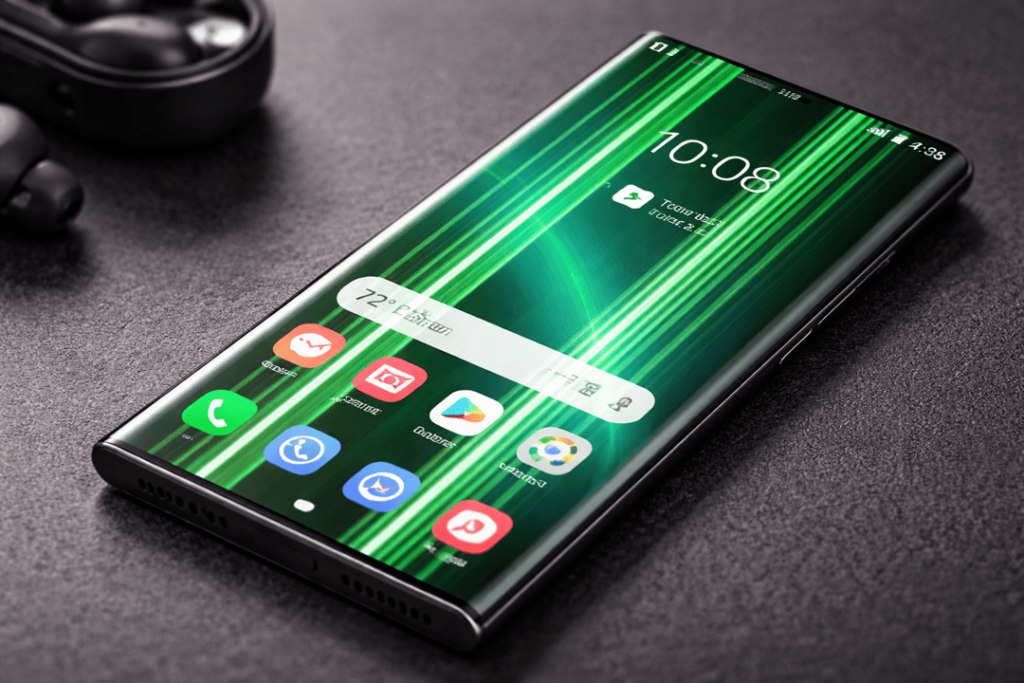
Discovering a green line on the screen of your Galaxy S25 Ultra can be a punch in the gut, especially when the phone appears to have no damage to its exterior. The good news is, you can generally fix it. The bad news is that most of those “quick tricks” aren’t really going to last — if you have a screen with a green line on it, then what you’re seeing is likely an issue at the hardware level and not some settings problem that you can quickly tweak.
In this guide, I’ll walk you through the real-world causes, what you can try at home (safely), and the best repair options—including when it’s time for a screen replacement.
What does the green line mean on an S25 Ultra?
A vertical green line typically shows up when something goes wrong inside the AMOLED display stack (or along the display signal path). In many cases, it’s linked to:
- AMOLED panel failure (a damaged row/column driver line)
- Display flex/ribbon stress or a connector issue
- Less commonly, impact pressure that didn’t crack the glass but still hurt the panel
If the line stays visible on the lock screen, in screenshots not showing the line (important clue), or during boot animations, it points strongly to hardware. Get details on Mobile Repair in Caroline Springs.
First: quick checks (safe, and worth 10 minutes)
Before you book a repair, do these in order. They won’t “fix” a damaged panel, but they can rule out software or temporary glitches.
1) Soft reboot
Hold Power + Volume Down for about 7–10 seconds (Samsung’s common force restart).
2) Safe Mode test
Safe Mode helps you confirm whether an app/overlay is causing weird display behaviour. If the line appears in Safe Mode too, it’s likely not software.
3) Update (or roll back habits)
Sometimes people notice the line after an update. Still, updates can also include display driver fixes—so check for official updates. (If the line is truly panel-related, updates won’t remove it permanently.)
4) Backup immediately
Even if the phone works, back up your data now. If the display worsens, you’ll thank yourself later. Looking for a Samsung Smartphone Repair in Caroline Springs?
When the green line appears: common triggers
Green line complaints often pop up after one of these:
- A minor drop or pressure (no visible crack)
- Heat exposure (gaming + charging + hot car)
- A recent update (timing can be misleading—hardware issues can surface around the same time)
- Long-term wear on the panel edge
So yes—your phone can look spotless and still show the line.
Repair options (ranked from best to “only if needed”)
Option 1: Manufacturer / warranty assessment (recommended first)
If your S25 Ultra is within warranty, start with an authorised Samsung service path. Depending on region and policy, some users have reported one-time screen replacement programs for line issues on certain models/periods—however, eligibility varies a lot by country and device condition.
Tip: Document everything:
- Photos + video of the line
- Proof there’s no impact damage
- Purchase invoice
That paperwork helps your case.
Option 2: Professional diagnostics + connector inspection
If the line is intermittent (comes and goes), a technician can inspect:
- Display connector seating
- Flex cable condition
- Signs of liquid ingress or internal stress
Sometimes reseating/cleaning a connector helps if the issue is a bad contact—but many persistent green lines still end up needing a panel replacement.
Option 3: Full screen replacement (most common true fix)
If the green line stays constant, the most reliable fix is a Galaxy S25 Ultra screen replacement (often the whole display assembly). This is the “proper” solution when the AMOLED layer or driver lines are compromised.
What you get with a quality replacement:
- Clean display (no line)
- Restored touch performance
- Better long-term reliability than “patch” repairs
Option 4: Motherboard-related repair (rare, but possible)
In a smaller number of cases, a display line can be linked to the display IC path or logic board faults. A good repair shop will confirm this before replacing expensive parts. Get details on Mobile Screen Replacement in Caroline Springs.
Cost factors (why prices vary so much)
A “green line repair” isn’t one fixed price, because it depends on:
- Screen type (OEM-quality vs aftermarket grades)
- Frame included vs display-only assembly
- Severity (single line vs multiple lines + flicker)
- Turnaround expectations (same-day vs booked repair)
- Warranty provided by the shop
If someone quotes a super-cheap “fix” without replacing the display, be cautious—many of those are temporary.
What Katya Phone can do (and what to ask for)
If you’re in the Caroline Springs / Melbourne side, Katya Phone offers screen replacement and diagnostics for major brands including Samsung, along with other repairs.
When you contact a repair shop, ask these questions:
- “Will you test to confirm whether it’s the display vs motherboard?”
- “Is the screen replacement a full assembly?”
- “What warranty do you provide on the part and labour?”
- “Can you preserve my data, or do you recommend backup first?”
That little checklist saves money and stress.
Related Articles:
» Smartphone Button Repair in Caroline Springs
» Smart Phone Camera Repair in Caroline Springs
» Smartphone Water Damage Repair in Caroline Springs
» Smartphone Software Problems in Caroline Springs
» Mobile Microphone Repair in Caroline Springs
Can you prevent the green line from coming back?
You can’t fully “prevent” a manufacturing defect, but you can reduce stress on the display:
- Avoid heavy pressure (tight pockets, sitting on the phone)
- Don’t expose it to extreme heat while charging
- Use a case that protects edges + frame flex
- If you notice flicker or faint lines, back up and check it early
FAQs: iPhone 15 Back Camera Glass Cracked
1) Can iPhone 15 camera glass be replaced without replacing the camera?
Yes, in many cases. If the camera module functions well, you can just replace the outer glass.
2) Will my photos be blurry because of the cracked glass?
Often yes, especially in bright light. Cracks create glare and light streaks.
3) Is it safe to use the camera with cracked glass?
You can, but that is risky because dust and moisture can get in and damage the lens.
4) Does cracked camera glass affect night mode?
Yes. Night shots can show extra flare, ghosting, and reflections.
5) Can dust enter through a cracked camera lens cover?
Absolutely. Even a small crack can allow dust to settle on the lens region.
6) Will a lens protector help if the glass is already cracked?
It can temporarily hold shards and reduce dust entry, but it’s not a real repair.
7) How do I know if the camera module is damaged too?
If shots are coming out blurry, autofocus isn’t working, or your camera’s just plain shaking way too much, you might have a damaged module.
8) Is DIY camera glass replacement recommended for iPhone 15?
Not usually. Shards, adhesive fogging, and misalignment are common problems.
9) Will replacing camera glass remove the iPhone’s water resistance?
A cracked glass already compromises protection. A proper repair improves sealing, but no shop can promise factory-level water resistance.
10) Does the repair take long?
It depends on the damage level. Simple cracks are faster, while shattered glass may take longer due to careful cleaning.
11) Will the repair change the camera’s original quality?
If done correctly, quality stays the same or improves because flare from cracks is removed.
12) Should I replace the whole back housing instead of camera glass?
Not necessary for most cases. In those cases where only the camera glass is broken, a glass-only repair makes much more sense.